How to Check and Improve Your Website Load Times
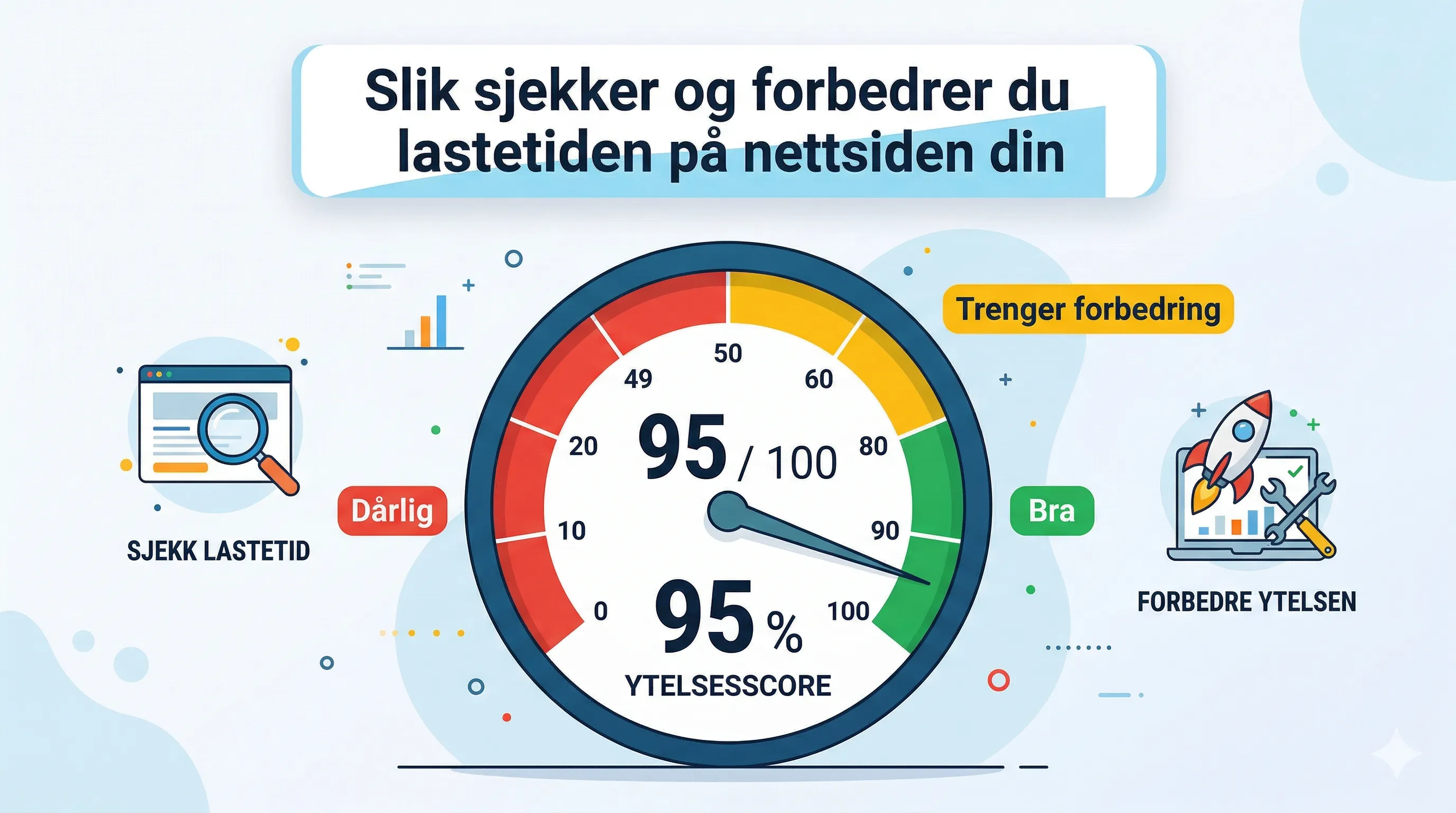
How to Check and Improve Your Website Load Times
Waiting for a slow website is one of the most frustrating experiences online. Your website load times contribute significantly to how professional and seamless your business appears. A lightning-fast website tells users they’re dealing with a serious company that respects their time.
In an age of high-bandwidth connections, customers expect things to happen instantly, regardless of the device they use. The numbers speak for themselves: according to a 2023 Statista survey, 26% of website visitors will leave a site if it takes more than five seconds to load.
Even if your users are patient, a faster website gives you a massive competitive edge. Load times affect everything from user experience and conversion rates to your Google search rankings (SEO).
What exactly is a "fast" website?
Mange tror at lastetid er én enkelt måling – at siden enten er rask eller treg. Virkeligheten er mer nyansert. Google og bransjestandarden ser på flere ulike målinger, og hver av dem forteller noe ulikt om opplevelsen til brukeren din.
Her er de viktigste metrikene du bør kjenne til. Merk at tallene gjelder for desktop – på mobil kan du forvente omtrent det dobbelte:
| Metric | What does it mean? | ✅ Good | ⚠️ OK | ❌ Poor |
|---|---|---|---|---|
| TTFB (Time to first byte) | How quickly your server responds to the request. | < 800 ms | 800 ms–1.8 s | > 1.8 s |
| FCP (First contentful paint) | The time it takes for the first text or image to appear. | < 1.8 s | 1.8–3 s | > 3 s |
| LCP (Largest contentful paint) | When the largest element (like a hero image or video) is loaded. | < 2.5 s | 2.5–4 s | > 4 s |
| INP (Interaction to next paint) | How quickly the page responds when a user clicks or interacts. | < 200 ms | 200–500 ms | > 500 ms |
| Visually complete | When the page design looks fully loaded. | < 5 s | 5–7 s | > 7 s |
Tools to check your own load times
Before you can improve your site, you need to know where you stand. Here are some great tools you can use to test your site:
- Google PageSpeed Insights: A free and essential tool from Google that measures all the metrics listed above.
- GTmetrix: A premium tool offering free core web vitals tests and long-term performance monitoring.
- Pingdom: Offers free speed tests and affordable paid solutions.
- WebPageTest: An advanced analysis tool (requires a subscription for full features, but gives great free insights).
- YSlow: A free, open-source tool that functions as a browser plugin.
6 strategies to make your website faster
Shaving even a single second off your load time can bring you more traffic and customers. Here are six actionable steps:
1. Optimize your code
Often, the problem lies in unnecessarily complex code. Limit the use of too many <div> elements and use CSS for styling instead. Avoid overloading the page with embedded content (like too many interactive maps). Also, remember to "minify" your code (remove unnecessary spaces) and delete fonts or scripts you no longer use.
2. Upgrade your hosting
The quality of your server is crucial. Have you optimized your code, but the site is still sluggish? Your web host might be the culprit. Ensure you have a plan that handles your traffic volume. Also, consider a CDN (Content Delivery Network), which stores your website on servers worldwide, so it loads quickly no matter where the customer is located.
3. Optimize files and media
Every time your page has to load an image or file, it takes time. Use the SVG format for logos (they take up almost no space) and the WebP format for images (best quality with the lowest file size). Also, make sure videos are in MP4 format.
4. Implement caching
Caching allows the browser to remember elements (like logos and fonts) from your website after the first visit. The next time the user clicks in, the page loads much faster because much of the information is already stored locally on their device.
5. Reduce unnecessary redirects
When a link sends a user from one page to another, and then to a third (redirects), it requires extra time and server power. Regularly clean up old links so customers arrive directly where they are supposed to.
6. Leverage "Lazy loading"
This simply means that images further down the page aren't loaded until the user actually scrolls down to them. Images at the very top should load immediately, but by using "lazy loading" on the rest of the page, you dramatically cut the initial load time. (Tip: You can often do this by adding loading="lazy" to your image code).
📧 Kontakt oss: 📍 Oslo, Norge | Kodemagisk AS