Build your own website with Astro: Free themes, your brand and a CMS
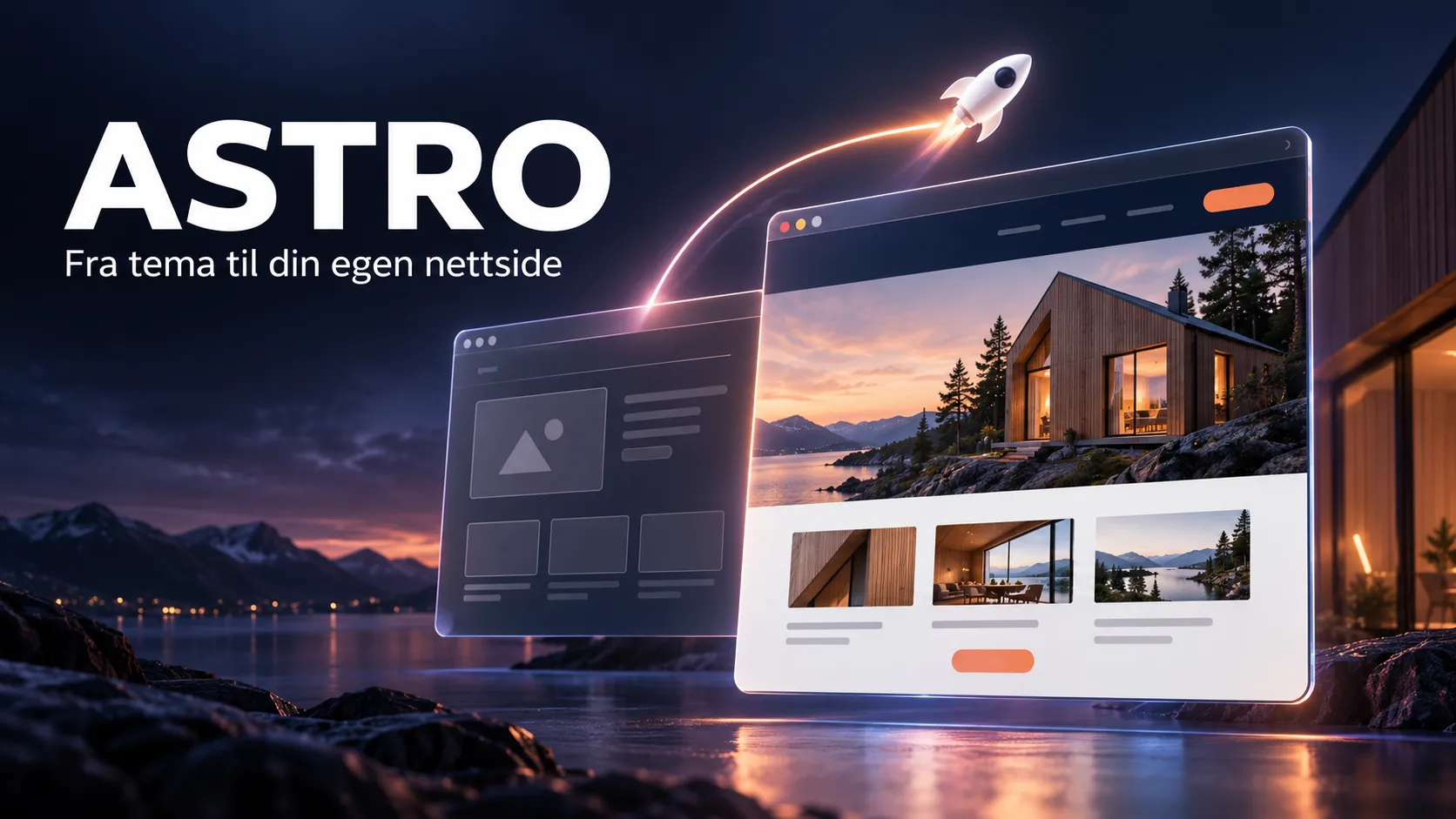
A good website does not have to start with a large budget. For a small business, the first step can be a clear homepage, a simple presentation of its services and an obvious way to get in touch.
Astro is one of my favourite technologies to work with. I like being able to start small, control the design and expand as requirements grow. Here is how you can use a free theme as a starting point for your own brand, and what to consider before adding a content management system.
What is Astro?
Astro is a framework for building websites, particularly those focused on content. It can deliver ready-made HTML and add interactivity where needed. For a business website, blog or service page, it provides a useful foundation for a lightweight, fast experience. Images, integrations and your own code still affect the final result.
Astro is not a ready-made visual website builder. You need to open a project, use a few terminal commands and edit text and code. You can learn this gradually, but a template will not do all the work for you.
Start with a free theme
Astro’s theme catalogue includes free options for different kinds of websites. Choose a structure that fits your needs: does it support services, projects, contact details and perhaps articles? A suitable structure often saves more work than impressive animations.
We plan to use AstroWind for the demonstration. Before recording, we will select a specific version and follow its README. Filenames and installation requirements can change. Read the licence, keep required notices in the project and check the rights to images and other media.
Cloning a theme means getting a copy of the project’s code. It does not mean copying another company’s website, images or customer stories. Our planned demo uses a fictional construction business so we can illustrate the process without presenting fictional projects as real references.
From download to a local preview
You need Git, a code editor and a Node.js version supported by the theme. Download the project from its repository, install the dependencies as described in the README and start the development server. The website then runs locally on your computer. It is not yet published online.
The planned video will show both the commands and the result in the browser. Installation waiting time can be shortened during editing, while the actual steps remain visible. We will also record the project version so the tutorial is easier to follow later.
Make the theme your own
Start with the message. Visitors should understand what you offer, who you help and what to do next. “We build the future” says little on its own. “Renovation and refurbishment for homeowners in Oslo” is more specific, if it accurately describes the business.
Then change the name, logo and favicon. Choose one main colour and a clear contrasting colour for buttons. Keep the number of typefaces small and check readability on mobile. Your logo does not have to dominate for the site to feel like yours.
Replace demo content with your own services and images you have permission to use. Remove sections you do not need. Do not keep fictional testimonials, project counts or certifications simply because they came with the template. A short, honest website is a better starting point than a large one filled with borrowed credibility.
Finish with navigation, contact details, page titles and the social sharing image. Check that buttons lead to the correct destination. A contact form needs a service that receives and handles submissions; an attractive form in a template does not prove messages are delivered.
Sanity, EmDash or no CMS?
A CMS is a content management system. If you rarely update a handful of simple pages and are comfortable with project files, you can start without one. Content can live in Astro files or text files within the project.
Sanity provides a separate content system with a customisable editing environment. Astro retrieves its content through the integration. This can suit teams editing services, projects or articles, or reusing content in several places. Fields and page templates must be connected; an existing theme does not become editable automatically.
EmDash is an open-source CMS that runs as part of the Astro application, with an administration interface, database-backed content and a media library. It has its own starter templates. The solution must also account for the database, media storage and server environment. Uploading static files alone is therefore not the complete setup.
The right choice starts with who will update the site. Would you prefer editing a few texts in your code editor, or do you need an admin panel? Choose a solution that fits. The first planned video customises the theme without a CMS, with Sanity and EmDash introduced as possible next steps.
A free theme does not make everything free
A free theme removes the purchase price of the template itself. There may still be costs for a domain, hosting, email, form handling, content and maintenance. With a CMS, consider usage limits and operating requirements as well. Compare the whole setup rather than relying on the word “free”.
Your own time is often the largest initial investment. You need to learn the tools, write the content and check everything works. This can be worthwhile when the budget is limited and the requirements are manageable.
What to check before publishing
Open the website on mobile and desktop. Check menus, buttons, readability and images. Test the contact process from submission to receipt. Remove demo links and review page titles and descriptions. Run the project’s checks and production build, then inspect the result before connecting your domain.
When getting help makes sense
Doing it yourself may be enough for a simple business website. Booking, payments, CV submissions, customer data and integrations make the task more complex. The work then also involves data flows, access and ongoing operation.
You do not have to choose between doing absolutely everything yourself and commissioning a complete solution from day one. Start with a theme and get help with a defined part: a design review, CMS setup, contact form or deployment.
My advice is to start with a small site you can keep up to date. Use Astro to learn, test your idea and build a solid foundation.
Kodemagisk: specialists in Astro, Sanity and EmDash
At Kodemagisk, we specialise in Astro, Sanity and EmDash. We help businesses with website design, brand customisation, content models and CMS integration. Whether you start with a free theme or want a tailored website, we can help you choose the setup that fits your business and budget.
Tell us what you want to build. We can help with a specific part of the project or plan the full website together.