Claude Code Mods: build your own features directly into the AI agent
Imagine working with an AI agent on an application. On the right, you can see the changes made to files. Above the conversation, a context indicator shows how much of the window is in use, while a panel displays the results of your project checks. When you need a new feature in this workspace, you describe how it should look and what it should do.
This is the direction opened up by Claude Code Mods, launched by Anthropic on October 1, 2026: developers can build extensions that change how Claude Code behaves and looks.
For anyone who uses coding agents every day, this release deserves attention. Parts of the working experience can now be tailored within the very tool where the agent reads, edits, and runs code.
What are Claude Code Mods?
A mod is an extension built from JavaScript or TypeScript functions that run inside a Claude Code session and respond to application events. An event might be a submitted prompt, a tool call, the end of a turn, or part of the interface being drawn.
The name recalls game mods: changes through which a community adds features or reshapes the original experience. Claude Code applies that idea to a developer's working environment.
A mod can observe what is happening, change certain actions, or add a panel with its own controls. The extension is executable code, with logic defined by its author.
Mods are distributed through Claude Code's plugin system. A plugin is the installable package, while the mod is the component that changes the application's behavior. The same package can also include skills, specialized agents, or MCP connections.
This structure lets a team distribute its project instructions, tools, and interface customizations together.
What can you change in Claude Code?
The possibilities cover both your interaction with the agent and the information you see as you work.
On the behavior side, a mod can transform a prompt before it reaches the model, observe or change a tool call, and handle a custom command. For example, a team could build a command that produces a standard report on the project's status.
On the interface side, mods can add panels, information bands, tabs, buttons, and text fields. They can also customize certain elements that Claude Code already draws, such as the presentation of a result or its working indicator.
Think about the information you repeatedly look for during a session: which files have changed, which checks have run, how much context is occupied, and what comes next. These are good candidates for an interface that stays close to the conversation.
A useful indicator needs to be connected to real data. A panel saying “build passed” earns its place when it displays the actual build result and when it ran. The visual presentation becomes useful through the information it shows.
How it works, without a complicated tutorial
Claude Code emits events as it works. The mod registers functions that are called for the relevant events and decides how to handle them.
There are three basic behaviors:
- Observe: record or display information and let the action continue.
- Rewrite: pass on a modified version of the event, such as an expanded prompt or different tool arguments.
- Respond directly: handle the event with your own logic, without running its usual behavior.
The functions can form a chain. In code, next(e) passes the event to the next handler, eventually reaching Claude Code's normal behavior. Order matters: an extension may receive a version that another extension has already changed.
An easy example to picture is a mod that tracks edits. When the agent changes a file, the extension retains the relevant information. At the end of the turn, it presents that information in a review panel. The developer can step through the changes without reconstructing their history from a long conversation.
Mods, skills, hooks, and MCP: what does each one do?
The agent ecosystem has accumulated plenty of terminology. The differences become clearer when we start with the purpose of each mechanism.
| Mechanism | Main role | Example in a web project |
|---|---|---|
| Skill | A procedure and instructions Claude loads when relevant | Rules for reviewing an Astro component |
| Settings hook | A configured response to an event, using a script, HTTP request, or another supported hook type | Running a formatter after an edit |
| MCP server | Provides the agent with tools for accessing systems or services | Tools for reading content from a CMS |
| Mod | JavaScript or TypeScript functions integrated into the session, able to handle events and draw an interface | An interactive panel showing checks and changes |
| Plugin | The package used to install and distribute components | A team package containing a skill, a mod, and an MCP connection |
Existing hooks can already allow or block certain actions and change a tool call's arguments. What mods add is the combination of functions loaded into the session, event handling, and an interactive interface.
A skill remains a good fit for an editorial procedure or a team's coding conventions. An MCP server remains a good fit for access to an external service. A mod becomes interesting when you want those actions and that information to have a dedicated experience within Claude Code.
Four examples that show the potential of the release
Demonstration mods and community contributions are already available. They make the idea much easier to grasp than a list of APIs.
Token Weather: making context visible
Token Weather displays a representation of context window usage above the prompt. It uses a weather metaphor and shows information such as the percentage occupied and how context usage is changing.
During a session where the agent reads many files, this kind of indicator can help a developer understand how the conversation is evolving. Context is the information available to the model for its response; this indicator is not a credit balance or the subscription's weekly allowance.
Blast Radius: see a command's impact
Blast Radius can temporarily hold certain commands identified as risky and show what they would change, with options to proceed or cancel.
The example illustrates how a decision can have its own interface. The developer sees more than a command on a line of text. However, this demonstration mod recognizes certain command patterns; it does not detect every potentially dangerous operation.
Replay Theater: review edits one at a time
Replay Theater records edits during a turn and lets you step through them in a panel, one diff at a time. A diff shows the differences between versions.
For a refactor touching several files, the idea is appealing: you can follow each change separately. Reviewing remains part of the developer's work, and the interface can make that work easier to follow.
Next Steps: suggestions for your next prompt
The community example called Next Steps suggests up to three prompts when a turn ends. Choosing one places it in the input field as a draft.
You can then decide what to do next: run checks, extend the change, or prepare a review. Selecting a suggestion does not automatically start the next task.
You can ask the agent to build its own extension
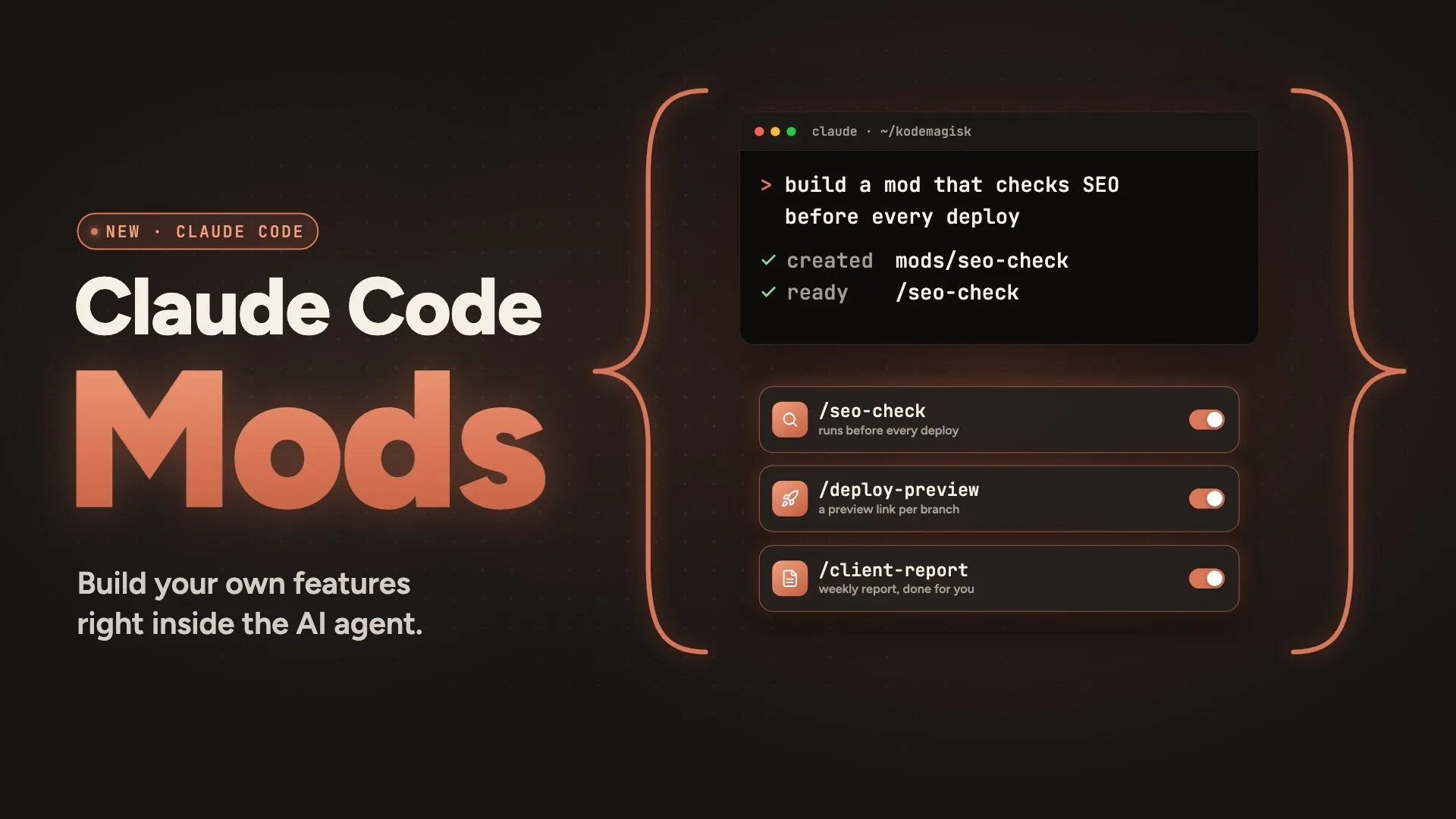
One of the most accessible aspects of the release is that you can describe the mod you want to Claude Code. The agent can write the extension, and hot reload lets changes load into the current session.
As an idea, a request for an Astro project could look like this:
Create a mod for this Astro project that displays a panel with the results of the latest build and type checks. Show the command that ran, when it ran, and its result. For checks that have not run, display “not run”. Add a button to start the checks defined in the project.
This is an example of functionality we could build, rather than the name of an extension that has already launched.
A good request describes the data the mod uses, when it updates, and the actions it offers. “Make me a nice panel” leaves many decisions open. A concrete description helps produce a tool that serves a real need.
In the temporary creation workflow described by Anthropic, the mod may be loaded only for that session. To use it later, it needs to be retained and installed as a plugin.
Where are mods available?
Mods require Claude Code 2.1.287 or later and are enabled by default. For visual features, the main environments are the terminal and the Code tab in the Claude Desktop app.
One compatibility distinction matters: a mod's handlers can run in the VS Code extension's chat panel, but its panels and other custom interface elements do not appear there. An editor's integrated terminal can display the interface when you run Claude Code inside it.
Mods are installed and managed through plugins, including the /plugin menu. An extension installed or updated from the shell can be loaded into an open session with /reload-plugins.
The API is evolving. When developing a mod, the type declarations generated by the installed version provide the reference for that build. This detail matters particularly when adapting a public example to your environment.
Why does this matter for web development and SaaS?
From Kodemagisk's perspective, the most promising use is bringing project information closer to where the agent works. In web development, a single change can involve the interface, content, routing, validation, and publishing.
A well-designed panel could make these connections more visible. Its usefulness needs to be evaluated within the project, but there are clear directions to explore.
For Astro projects
We could build a mod that displays the results of the project's check commands and the routes affected by a change. On a multilingual site, the panel could highlight the language versions that need reviewing after a page is modified.
When customizing a theme, another idea is a summary of the files where colors, fonts, and components have changed. This could help with reviewing the brand implementation.
For Laravel and Livewire
In a booking application or a SaaS product, a mod could display the results of tests relevant to the feature you are working on. A booking change could have a panel with checks for availability, cancellation, and form validation, if those tests exist in the project.
The intended benefit would be visibility into the actual state of the work: what has been checked, what failed, and what still needs to run.
For Sanity and EmDash
A mod could provide an interface for information obtained from a CMS through available tools. In an editorial workflow, it could show translation status, SEO fields, or articles in draft.
Access to content would come through integration with the relevant system; the mod would organize the experience inside Claude Code. We would need to build and verify that integration for each project.
These are implementation ideas for our stack, rather than Astro, Laravel, Sanity, or EmDash integrations automatically provided by the Mods release.
What to know about access and usage
Mods are executable extensions and can access files, processes, and the network through Claude Code's APIs. In practice, they should be chosen with the same care as a code package for your development environment.
A mod can also call models. If a feature makes additional AI requests, those can consume usage from the plan or API key in use; the presence of a panel alone does not tell you how much usage an extension consumes.
For teams, administration controls and the built-in sec-default mod protect certain policies managed by the organization. These controls do not turn every installed extension into a program isolated from the computer.
What does this release tell us about the future of agents?
In our view, Claude Code Mods raises a practical question: how much of an agent's working environment should its users be able to build?
An independent developer, an agency, and a team maintaining a SaaS product can have different priorities. Some want a discreet context indicator. Others want a visual review of edits. A team may need an interface for its own project checks.
Turning these needs into distributable extensions could bring value. Choosing the right features matters, though: a good mod shortens the path to information or a decision you use frequently. An interface crowded with indicators that do not help you work adds noise.
At Kodemagisk, we follow this direction through the web and SaaS projects we build with Astro, Laravel, Livewire, Sanity, and EmDash. We are interested in tools that make implementation, review, and project management clearer.
Claude Code Mods opens up an interesting possibility: describe a feature you need, build it together with the agent, and keep it in your working environment. For developers who have wanted Claude Code to fit the way they work more closely, this is a release to watch.